 Home
Home Share
ShareCreate A Legacy Contact
May 2026 — Tip of the Month
It's not something most of us want to think about, but it's important to set up a legacy contact in case something happens to you, and you can no longer access your online accounts. A legacy contact is a trusted person you designate to handle your digital data if something happens to you. Without one, your loved ones may struggle to access vital information, preserve memories, or settle your affairs.
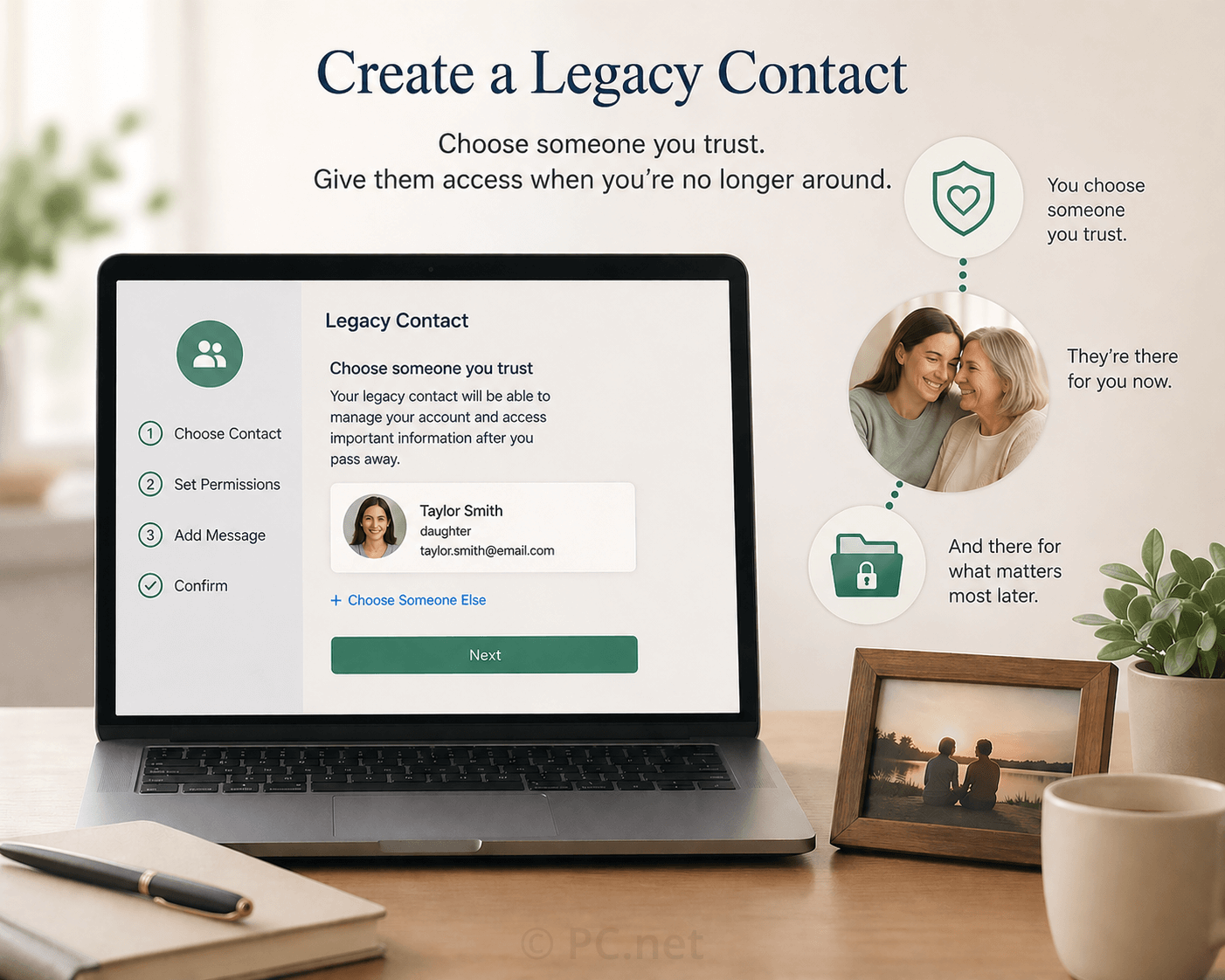
Here are a few common accounts where you should consider setting a legacy contact:
- Apple: Choose a legacy contact for your Apple ID, so that person can access your photos, notes, and important data.
- Google (Gmail, Drive, YouTube): Google's Inactive Account Manager allows you to specify who can access your account data if your account becomes inactive.
- Microsoft: Add trusted contacts for your accounts, including Outlook and OneDrive
- Facebook: You can appoint a legacy contact to manage your memorialized profile.
- Instagram: Set up a legacy contact to take over your account or memorialize it.
By taking a few minutes to set legacy contacts and organize your account information, you can give your loved ones peace of mind and ensure your digital legacy is protected. After you've set up your own legacy contacts, check with your close friends and family — especially your parents — to make sure they have configured their legacy contacts as well.
 April 2026
