 Home
Home Share
ShareKeep Some Disk Space Free
August 2026 — Tip of the Month
When your hard drive or SSD nears capacity, it can cause more problems than simply leaving no room for new files. I was recently reminded of this when my iMac Pro's 2TB internal flash storage reached 99% usage.
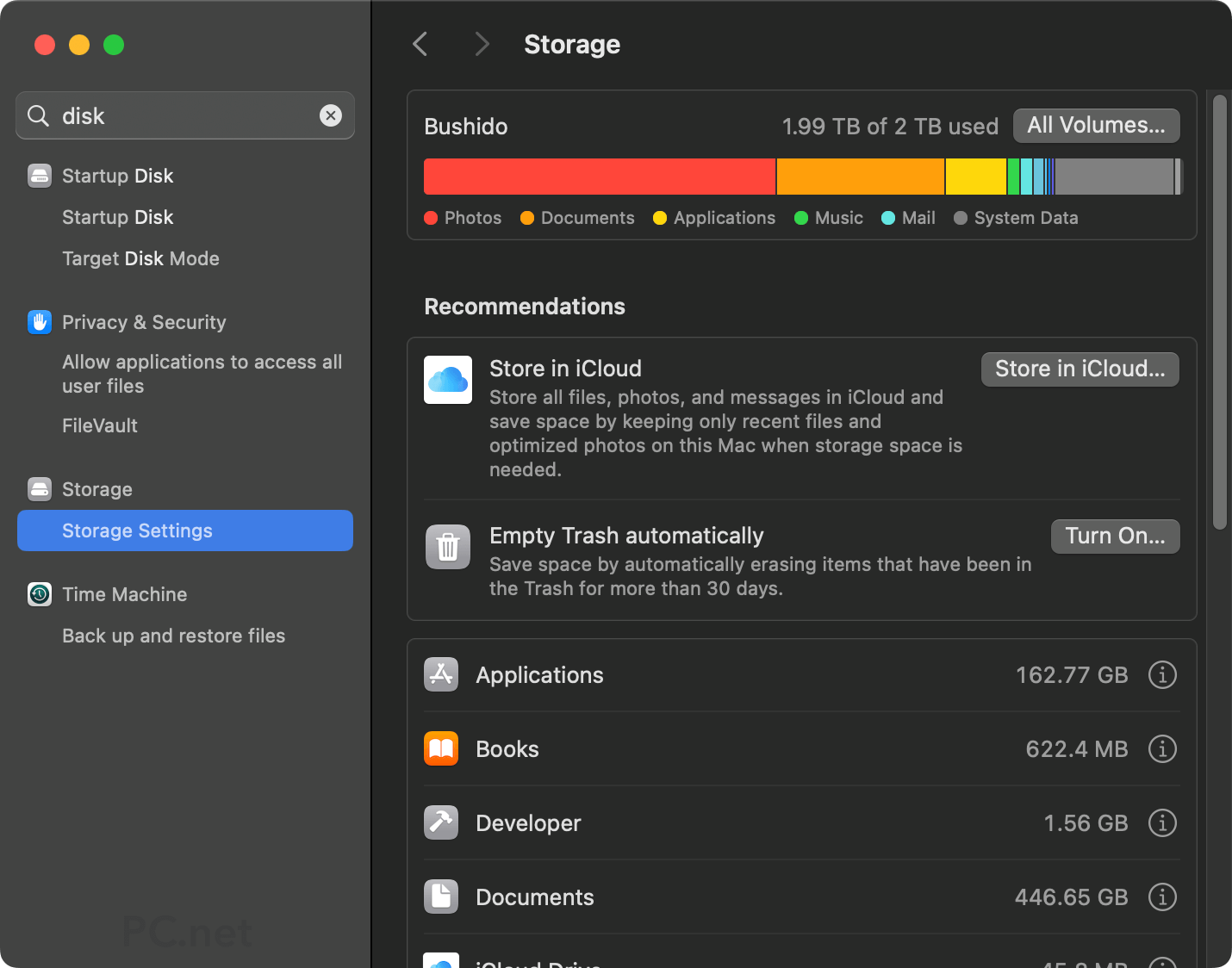
Some applications (e.g., Adobe Photoshop) wouldn't open, and others (e.g., Apple Mail) would crash while running. It makes sense, since Photoshop needs a certain amount of disk storage for its "scratch disk," and Mail uses a disk cache to store and organize new messages. Both of these problems went away when I deleted about 40 GB of data.
Why free disk space matters
Your operating system and applications use free disk space for temporary files, caches, updates, and other background tasks. When that working space disappears, your computer (or smartphone may become slower and less reliable.
A nearly full storage device can cause several issues:
- System slowdowns - The operating system may use free disk space as virtual memory when physical RAM is limited. If there is not enough room for the swap file, performance may decline significantly.
- Slow application loading - Programs often create temporary files and load cached data when they start. Limited free space can make launching and using applications noticeably slower.
- Application crashes - Apps may hang, freeze, or quit unexpectedly if they cannot create the temporary files they need.
- Problems saving files - Documents may fail to save, downloads may stop, and file transfers may be interrupted. Large projects may require significantly more free space than their final file size while being processed.
- Failed software updates - Software updates often require several times the disk space of the actual update. Operating system and application updates often need extra room to download, unpack, and install files.
- Slower drive performance - HDD performance can decline as files become fragmented across the remaining free space. SSDs don’t require as much free space, but they need unused storage blocks to write, erase, and reorganize data efficiently.
- Backup and synchronization errors - Both local and online backups may stop working if they do not have enough space to download, stage, or retain versions of files. This also happened on my iMac Pro when it hit 99% disk usage.
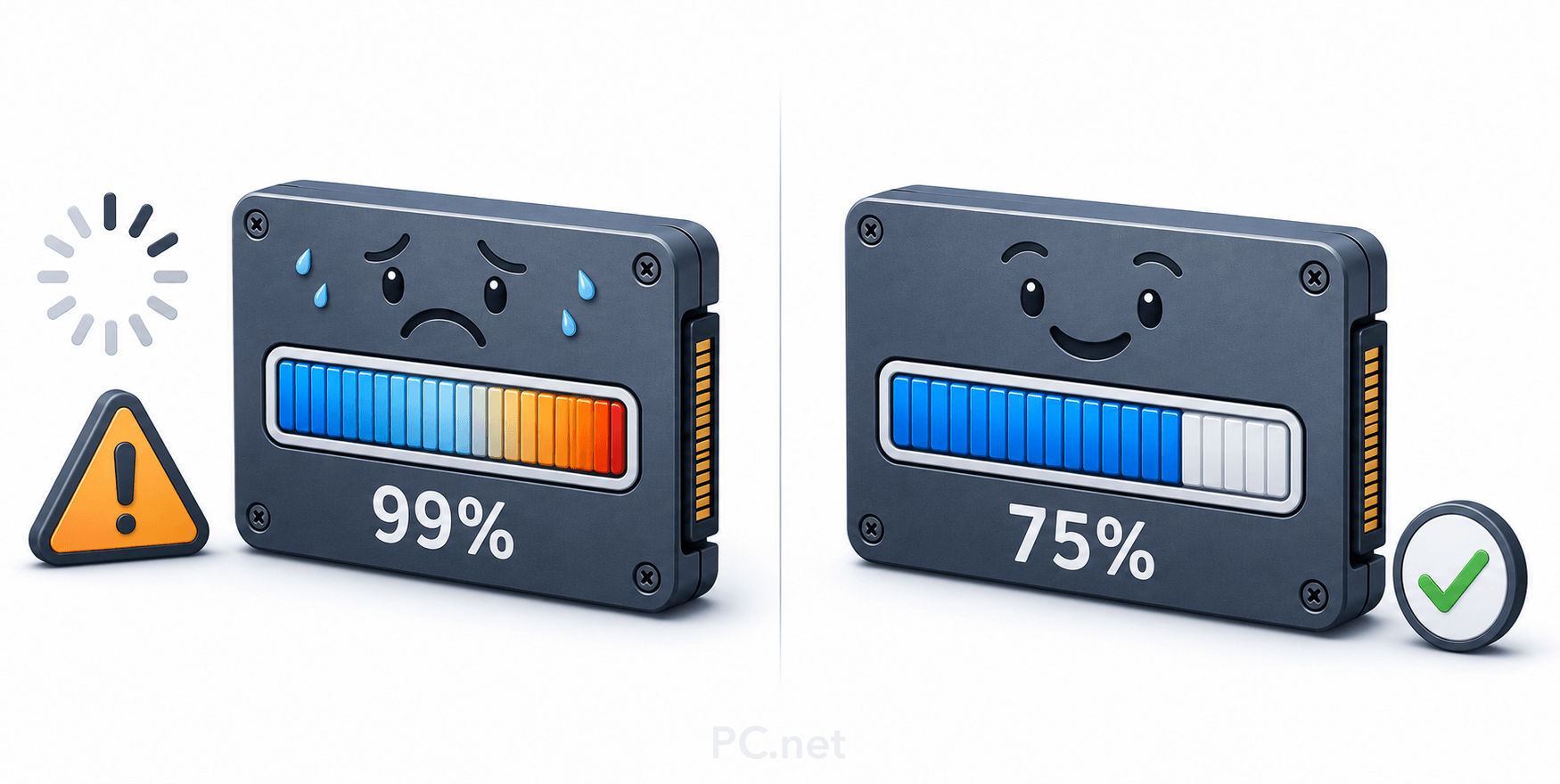
As a general guideline, try to keep approximately 20% of a traditional hard disk drive free. Because SSDs don't have moving parts and are not slowed by fragmentation in the same way, they generally require a smaller buffer. Keeping at least 10% of an SSD free is a good target, although 5% may be sufficient on a large-capacity drive. For example, 5% of a 2 terabyte SSD still provides 100 gigabytes of working space.
If your drive is nearly full, start by emptying the Trash or Recycle Bin, deleting unneeded downloads, and removing large applications you no longer use. You can also move photos, videos, archives, and older projects to an external drive or cloud storage. Maintaining some breathing room helps your computer remain fast, stable, and ready for future updates.
 July 2026
