 Home
Home Share
ShareKeep Your Laptop Cool
July 2026 — Tip of the Month
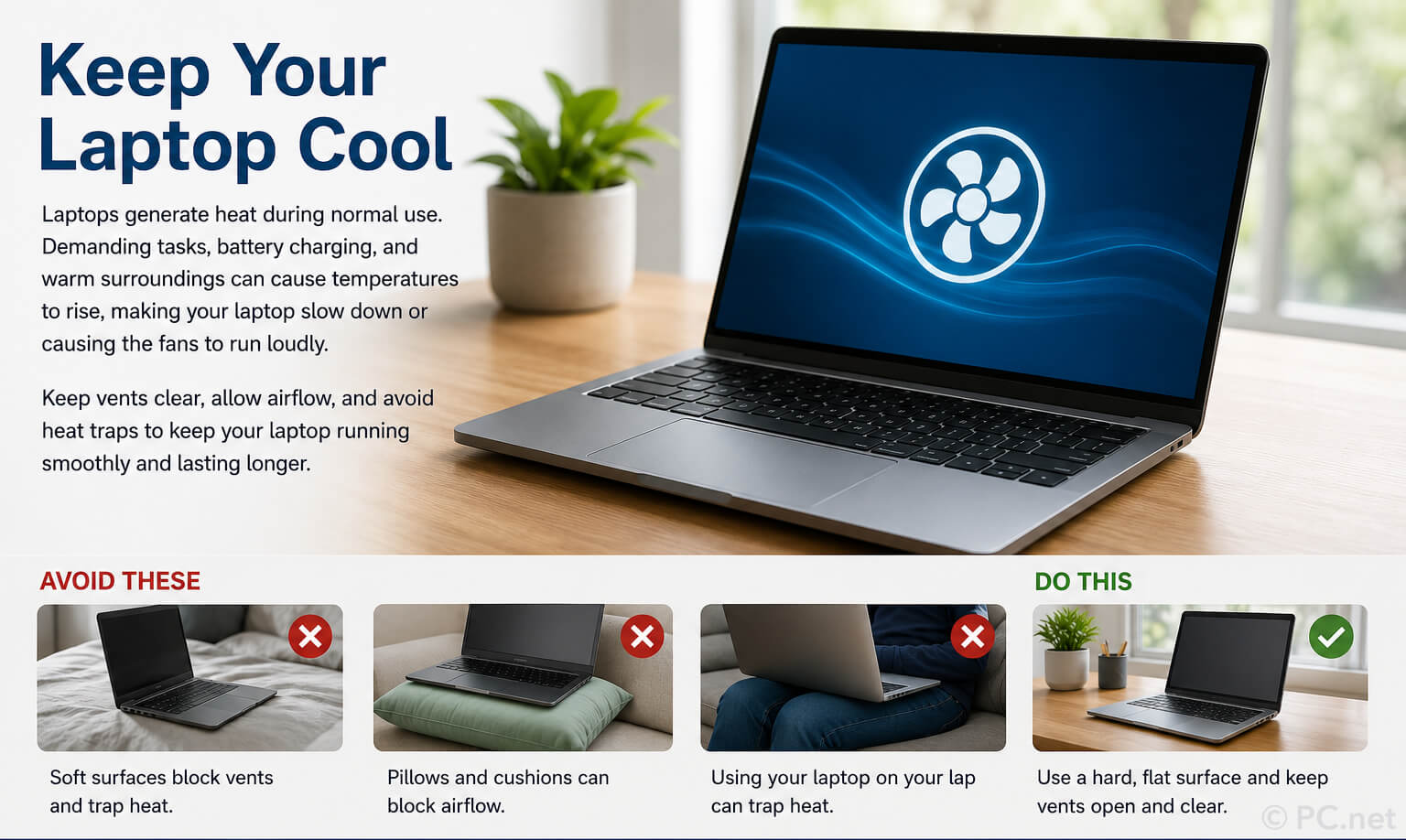
Have you ever noticed your laptop getting warm or even hot after using it for a while? It’s not just in your head — laptops can get noticeably hot since the CPU, graphics chip, battery, and other internal components all generate heat during operation. Processor-intensive apps like video games, video editors, and AI applications can increase the temperature of your laptop, which may be noticeable through the laptop case. Charging the battery and using your laptop in a warm environment can also cause it to heat up faster.
To prevent overheating, laptops automatically reduce their performance when they become too hot, making them feel slower or causing the fans to run at full speed. To help your laptop stay cool, use it on a hard, flat surface that allows air to circulate around the vents. Avoid placing it on blankets, pillows, or your lap for long periods if the ventilation openings are blocked. If you’re working outdoors or in a hot room, keep the laptop out of direct sunlight whenever possible, since the ambient temperature affects how efficiently it can cool itself.
▶ While sitting on the beach with your laptop seems like a peaceful way to work, I can verify from personal experience that this is not the case. You can barely see the screen even at full brightness, it’s easy to get sand or sunscreen on the keyboard, and the laptop heats up so fast that you can hardly do basic tasks. If you have to work during your vacation, I recommend checking off your tasks from the hotel room or lobby, then enjoying the beach the way you’re supposed to — without thinking about work.
While occasional temperature spikes are normal, keeping your laptop cool can improve performance and may extend the life of internal components. A little more airflow and a little less heat can help your laptop run smoothly for years to come.
 June 2026
